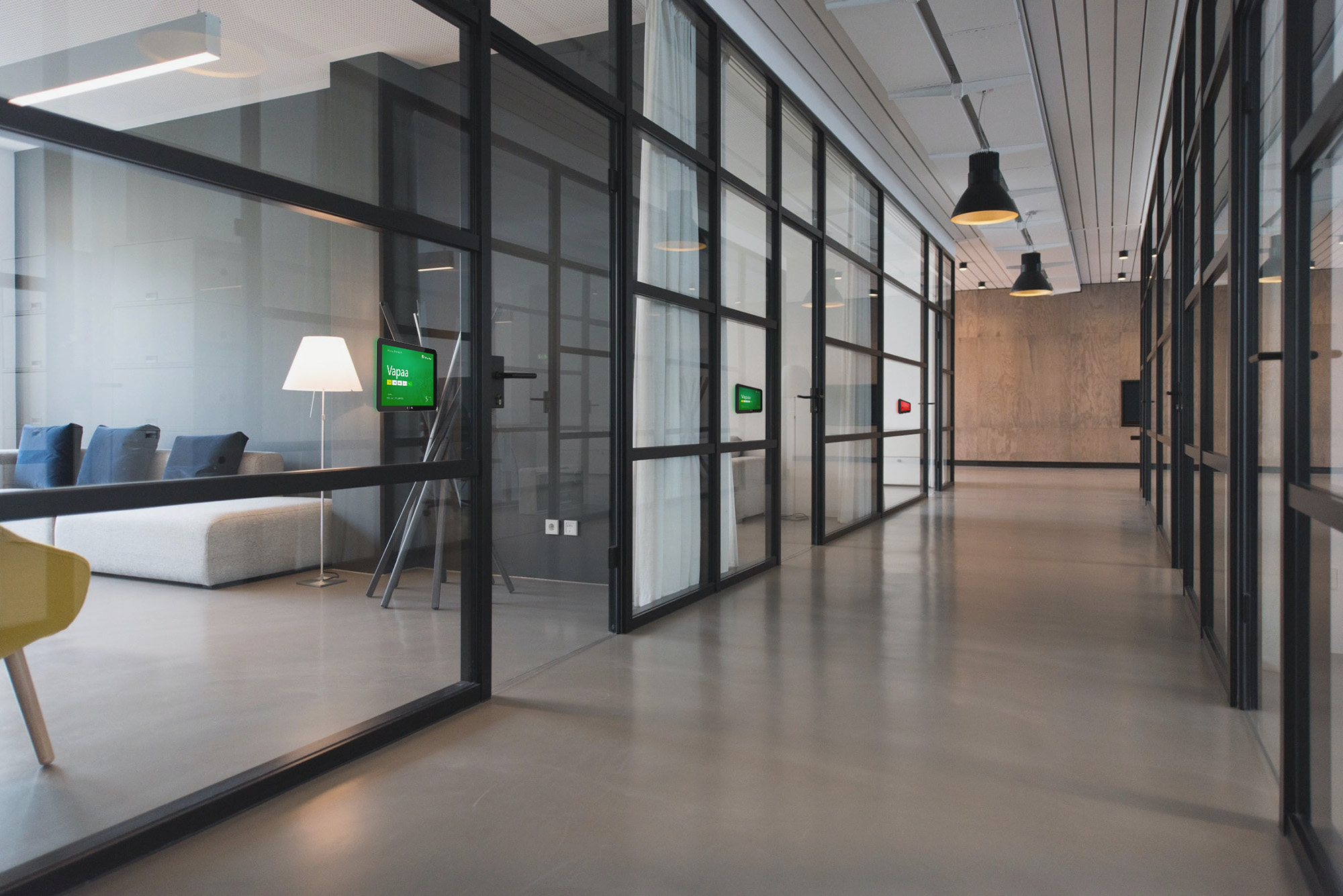
meeting room displays from door to lobby

Meeting room displays and meeting summary guide you to the right room

An available meeting room can be found at a glance, and you can book the space directly from the display. Meeting room availability displays and meeting signs work together or separately.

Integratable with Google Calendar, Microsoft Exchange, Timmi, Mercantus and others.

Choose the best meeting room solution for your company

FirstDoor

Interactive meeting room display. Book the room directly from the display without logging in. Two-way calendar synchronization.
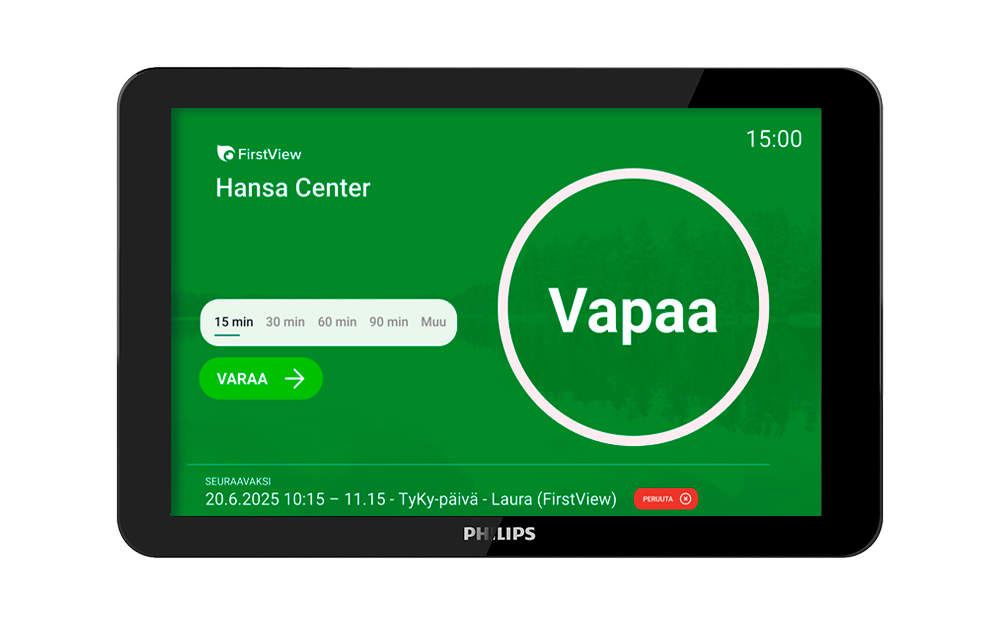
FirstDoor door display free

One-way meeting room display

A room availability display works one-way – it shows current bookings. Works with your current booking system.
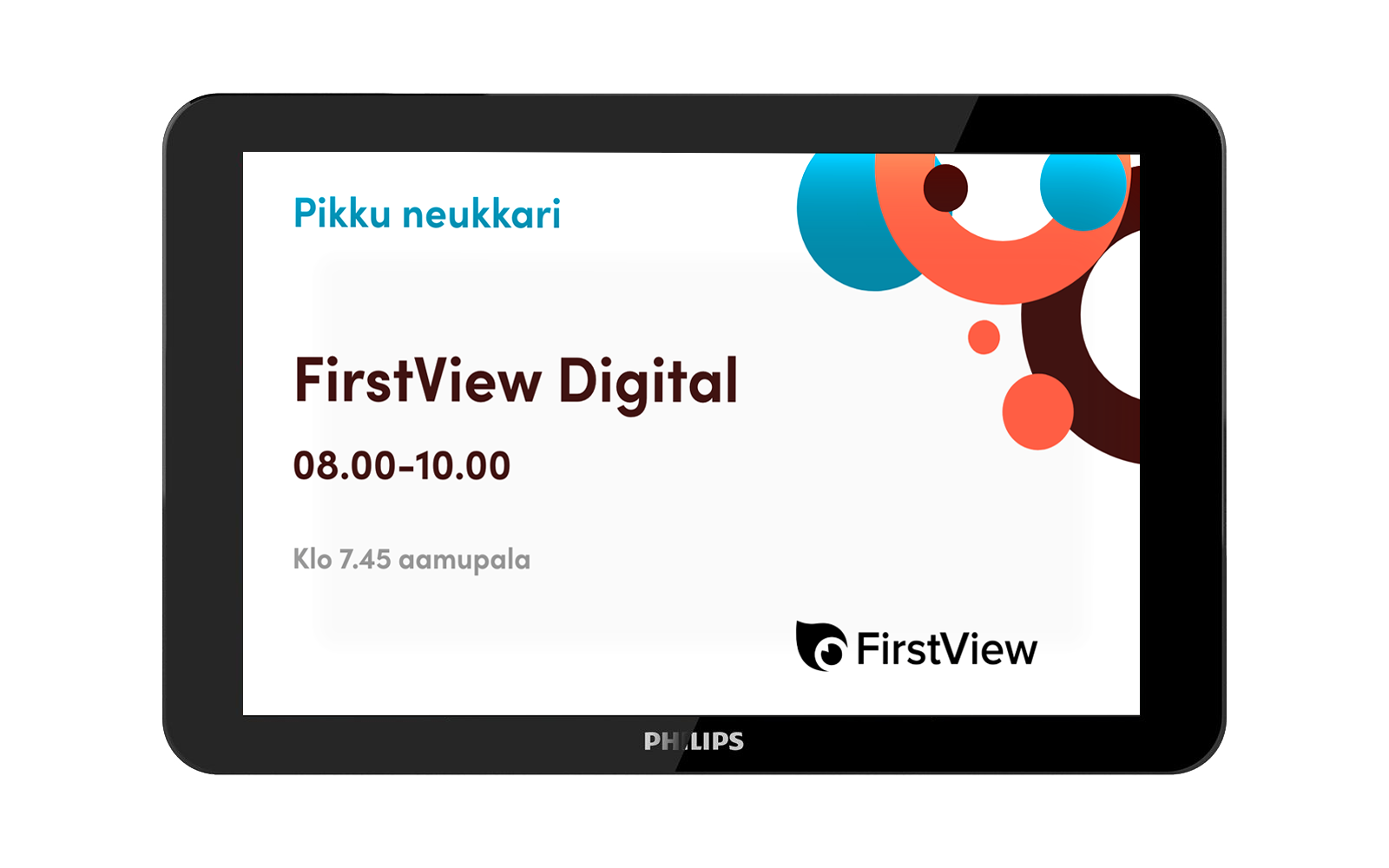
traditional door display

Meeting summary display

Lobby overview. Combines all room bookings in one view and guides visitors to the right room. Works with FirstDoor and one-way door displays.
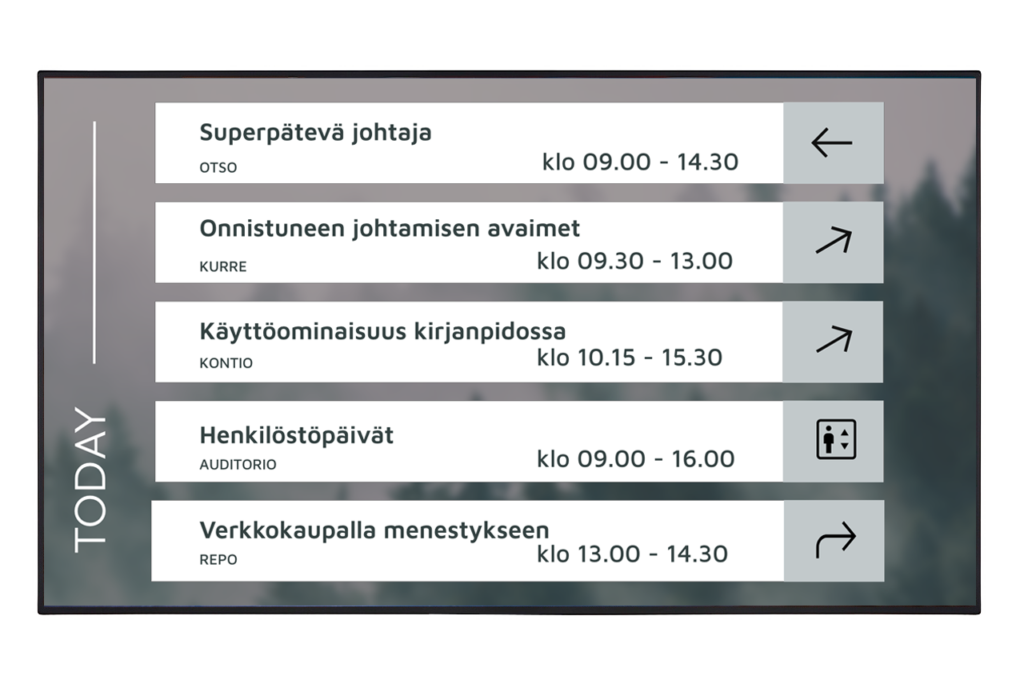
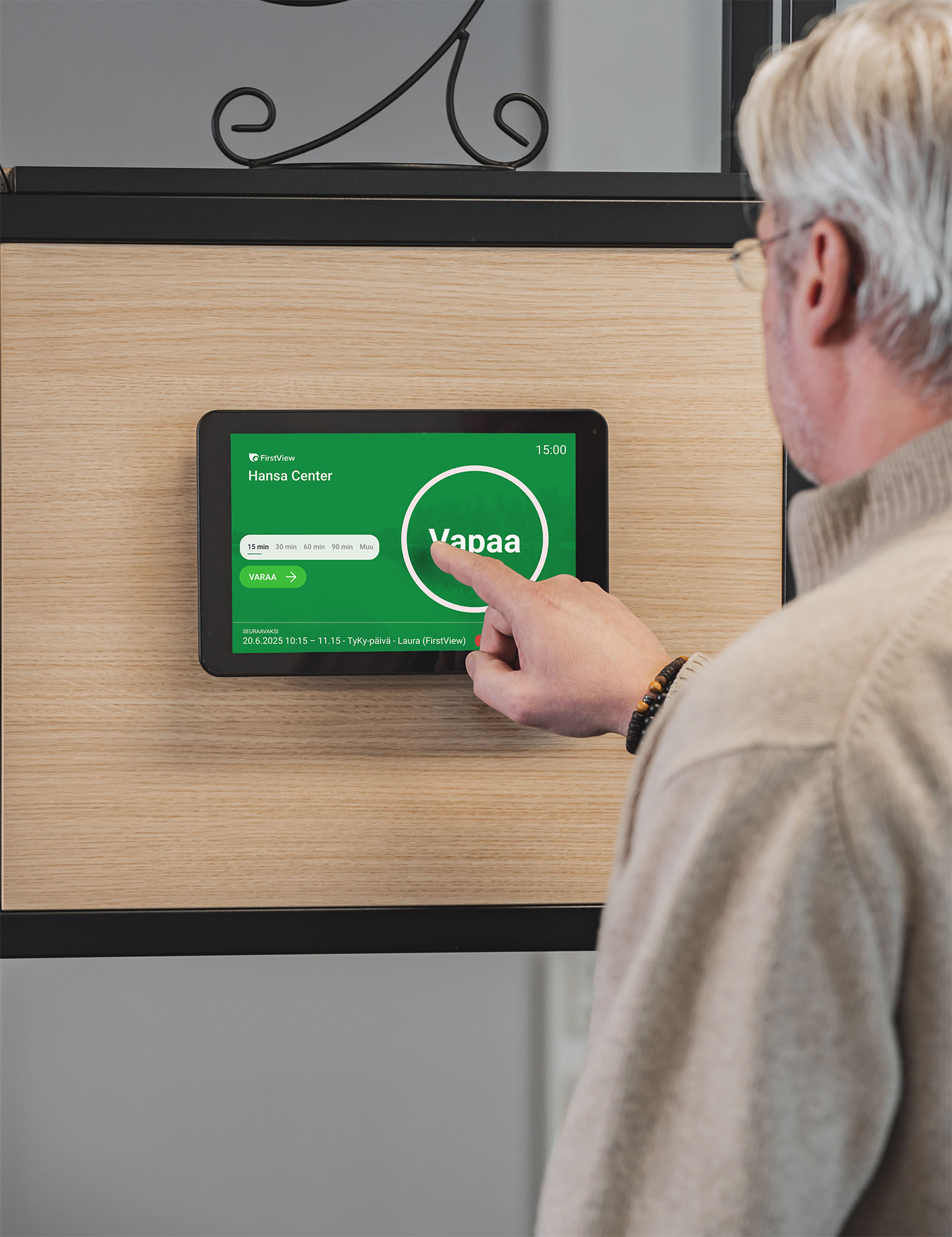
meeting overview display

FirstDoor

Interactive meeting door display — book directly from the screen

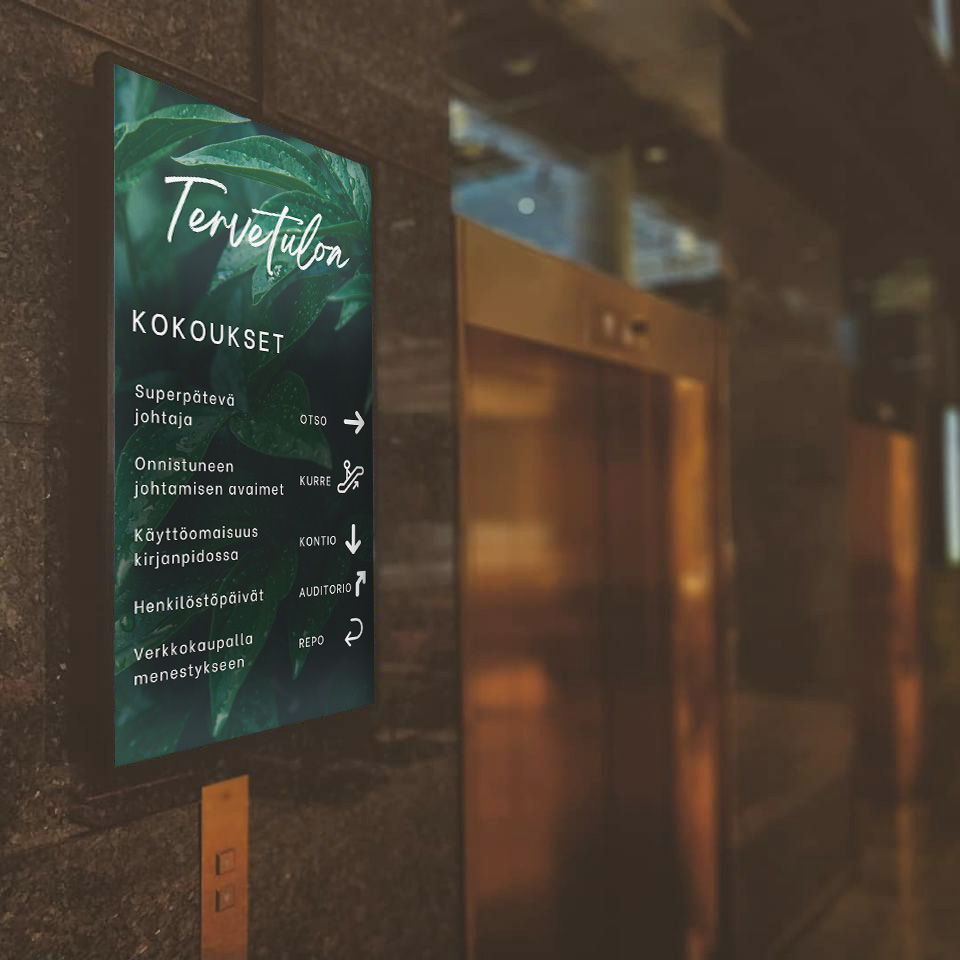
FirstDoor makes room booking easy. The bright backlight tells you from a distance whether the room is free. A vacant room can be booked directly from the display without logging in.

FirstDoor door display free

Stand alone or calendar integration

Connect FirstDoor to your calendar system and bookings synchronize automatically. You can also use FirstDoor as a standalone service.

Works on any display

FirstDoor can be deployed on existing displays. Landscape or portrait orientation. Works on any device with a modern browser. If you don't have displays available, you can also get displays from us.

Customize to your brand

Colors, logo, font and background match your company's look. You can also choose whether to display the meeting details or just free/booked status.

Connect to a meeting summary display

FirstDoor room booking displays and the lobby meeting summary display work as a single solution — the same data, in real time, on every screen.

A person books a meeting on the FirstDoor display

Quick booking right at the door

When the room is free and you need it spontaneously, you can book it directly from the meeting door display. Just choose the duration and the booking is done. All bookings are automatically logged in the calendar, so others can see the room status in real time.
Why FirstDoor

Meeting room management at its simplest

No more confusion about bookings. No more pointless searching for a free meeting room.

Integrates with your calendar

FirstDoor syncs with Microsoft 365, Exchange and Google Workspace calendars. No separate system needed.

Ad hoc booking from the display

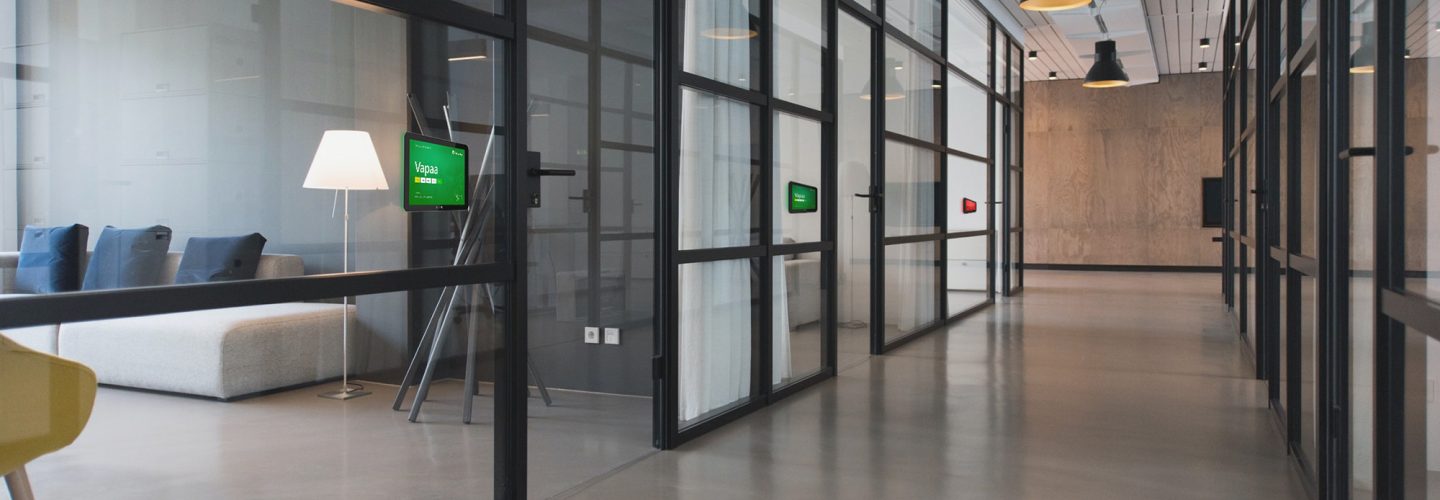
The meeting door display color tells you from a distance whether the room is free. You can book it directly from the display with a single tap.

Free up the room easily

Meeting ended early? Free up the room ahead of time for others to use.

How does FirstDoor work?

Start with the smooth meetings

01

Door-side installation

The door availability display is mounted next to the meeting room door. Suitable for any space. FirstDoor works on any modern display.

02

Connect to your calendars

The display connects to Microsoft 365, Exchange or Google Workspace. Synchronization is automatic. You can also start out stand alone without integration.

03

Real-time room status

Green = free, red = booked. The display shows the meeting name, time and upcoming bookings. All automatically.

04

Book with one click

Spontaneous meeting? Choose the duration and the room is booked. Everything is logged automatically in the calendar.

one-way meeting room display

One-way meeting door display shows booking information

An one-way meeting door display fetches bookings directly from your calendar system and shows them clearly at the meeting room door.

When there are no meetings, you can also use the displays to show campaign content.

traditional door display

Stand alone or calendar integration

Integratable with multiple booking systems. You can also use meeting room availability displays without integration.

Combine with digital signage

When the room has no meetings, you can show other important content on the room scheduling displays. Highlight current offers, important news and information about your services to people in the meeting space.

Combine with the meeting summary display

Meeting door displays and the lobby meeting summary display work as a single solution. The lobby overview gives a clear view of all room bookings and guides visitors to the right space. ​​

Customize to your brand

Landscape or portrait, with custom outer styling. Colors, logo, font and background image are customized to match your company's look.

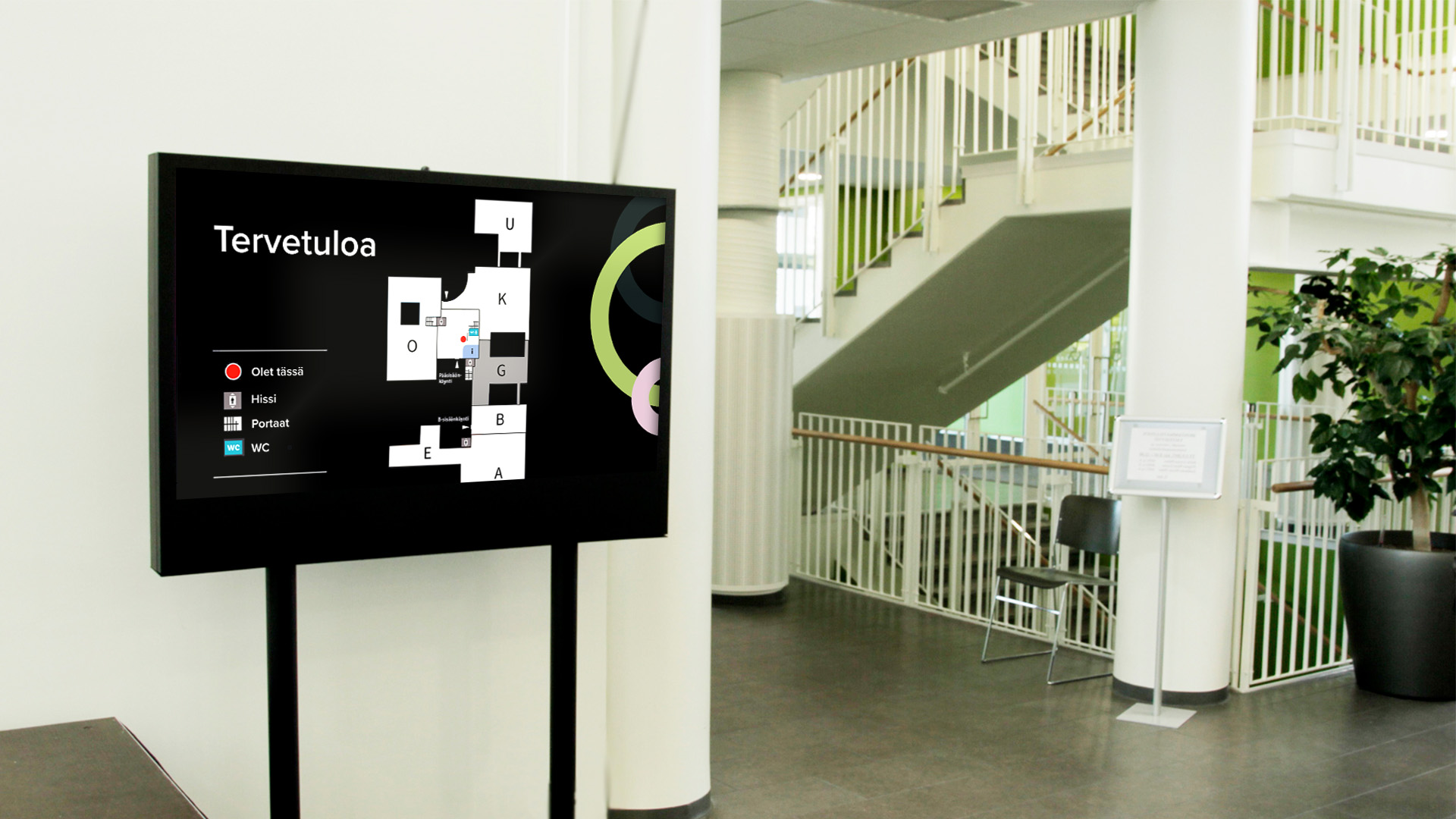
Meetings summary overview in hotel lobby

Meeting summary displays

Meeting summary displays show the day's schedule at a glance

The lobby overview display brings all meeting rooms together in one view and guides visitors directly to the right room. Works either standalone or paired with FirstDoor and one-way door displays.

Guide visitors to their destination

The meeting room name, booking details and times. Visitors find the right room without having to ask.

Works with meeting room door displays

Pair with FirstDoor, one-way meeting room displays, or use the summary overview display on its own. Scales as needed.

Updates automatically

Calendar changes appear on the screen in real time. No manual updating, no outdated information.

meeting ecosystem

Room booking displays work as one solution or independently

You can start with meeting room door displays and add an overview display and new door displays later.

All parts work seamlessly together.

Next to the door

The meeting room display shows the room status in real time. FirstDoor enables booking directly from the display. An one-way meeting room display shows upcoming bookings from the calendar and, when needed, other content alongside meetings.

In the lobby and corridors

The meeting summary display brings together all rooms in one view. A visitor or colleague sees at a glance which rooms are free and where in the building they are located.

In the calendar

The integration keeps everything in sync. A booking made from the display appears in the calendar, and a change made in the calendar appears on the display. No unnecessary manual work.

firstdoor outside meeting rooms

Integrations

Connect meeting door displays to your existing calendar system

Room booking displays connect to the system you already use. With the integration, the lobby meeting summary view, room booking displays and the calendar update automatically — no need to estimate room availability.

FirstDoor

Interactive door display

One-way meeting room display

One-way room booking display
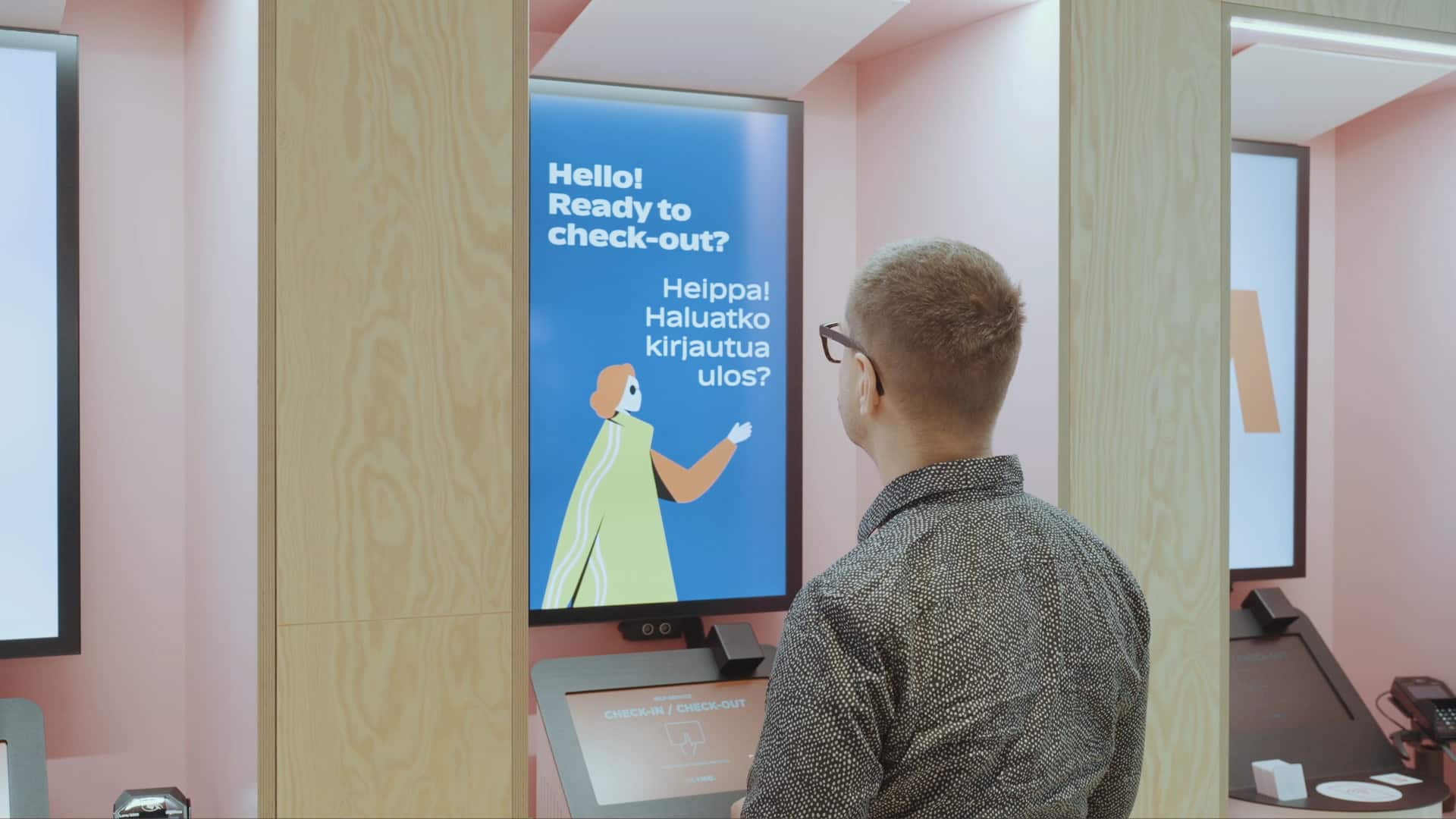
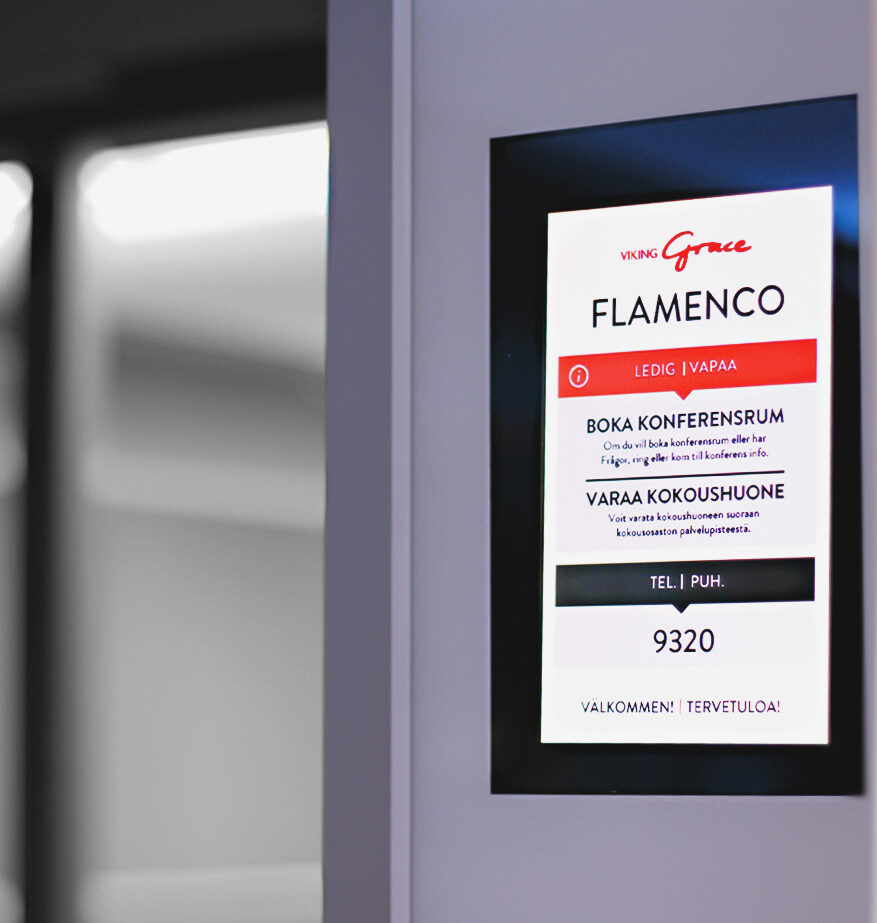
Meeting room display Viking Line Gracella

Our customers vote for meeting screens

FirstView meeting room displays were acquired for the ship. Outside each meeting room there is a booking tablet showing the room name, the name of the company or group using the space, and the meeting times.

The FirstView system has proven to be very reliable, and our conference assistants are able to quickly update the information on each screen via browser. There is also one larger screen on the meeting deck, which can be used as an notice board in addition to displaying meeting information.

Henrik Willstedt

Conference Manager, Viking Grace

More inspiration for building a modern work environment

On our blog, you can find experts up-to-date articles about digital communication.