People rarely come to a pharmacy on impulse. They come because something has happened or something is needed.
One drops in for painkillers in the middle of a busy shopping trip. Another arrives on crutches. A third is picking up a prescription for something they’d rather not say out loud. For a fourth, the monthly pharmacy visit takes days of preparation. The same queue serves people in completely different situations.
On the surface, a pharmacy queue management system looks technical: a kiosk, a screen and a ticket number. In practice, it answers very human questions. How long do I have to wait? Can the customer next to me hear what the pharmacist is telling me? Do I dare ask for help if I don’t know which queue to join?
We’ve put together seven things worth going through when planning queuing for a pharmacy.
1. Pharmacy rush hours don’t happen by accident
In many pharmacies, customer flow follows mornings, lunch hours, prescription renewal cycles and seasonal needs. Flu season and the spring allergy season can be felt for weeks at a time. But every location has its own rhythm, which is exactly why it should be measured rather than guessed.
When the queue management system records waiting and service times, peak hours show up in the reports precisely, by time of day and day of the week. Shift planning can then be based on when customers actually come in – not on how last week felt. Starting one shift a little earlier can even out the morning rush, and the effect can be followed in the reports.
Service times can also vary a lot in a pharmacy. Picking up a familiar prescription is quick, while medication counselling, sorting out dose dispensing or a reimbursement question takes longer. When the difference shows in the data, queue sizing and staffing can be planned in a completely different way than by eye.
Lue lisää, mitä jonotusjärjestelmä tarkoittaa asiakkaan kokemuksen kannalta »
2. Mobile queuing frees the customer from waiting at the prescription counter
In traditional queuing, the customer takes a ticket and waits for their turn. In practice, that often means waiting near the prescription counter, next to other customers, while the previous customer is being served.
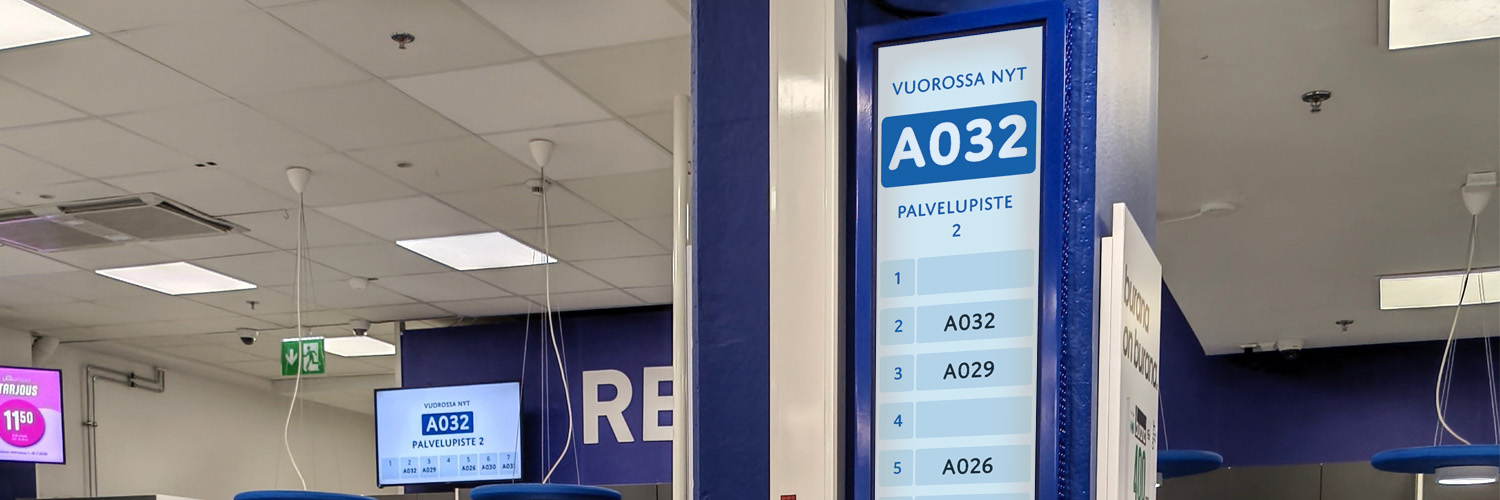
With mobile queuing, the ticket lives on the customer’s own phone. They can see the queue status, their turn approaching and an estimate of the remaining waiting time. The estimate shifts as service situations change, but it removes one of the biggest discomforts of queuing: not knowing.
The practical benefit in a pharmacy is freedom to move. The customer can browse the self-care section, look at care products or head to the advice point without having to keep watch in front of the queue display. The waiting time can also be put to good use: they can explore the range and the pharmacy’s services in peace instead of standing still.
The second benefit of mobile queuing is subtler. When the customer doesn’t have to wait in front of the prescription counter, they also don’t have to stand right next to other people’s service situations. In a pharmacy, freedom to move also supports privacy.
Mobile queuing doesn’t replace the traditional ticket, though, and it shouldn’t. Pharmacy customers have very different digital skills, and the same customer may want a different way to queue on different days. In a solution that works, the two run side by side: the kiosk prints a paper ticket, a phone joins the mobile queue, and both are served from the same queue.
3. Privacy is at the heart of a pharmacy’s service promise
Pharmacies are where people discuss sensitive matters about their health and medication. And the conversation happens at a counter with other customers waiting behind. There are several ways to improve customers’ privacy, though.
The first is mobile queuing, which moves the waiting away from the immediate vicinity of the counter. The second is Privacy Audio: a sound solution designed for the space, intended specifically to mask speech and improve privacy at the service point. It isn’t a flat background hum but a pleasant soundscape that draws attention away from nearby conversations.
At Näsin Apteekki in Tampere, sound showers and a soundscape were installed at the prescription counter for exactly this reason.
”We introduced background music because we wanted to improve the pharmacy’s sense of privacy. The music doesn’t disturb customers, but it draws attention away from what is happening around them and protects the privacy of those at the prescription counter.”
Kirsi Paulamäki, Näsin Apteekki.
Together, mobile queuing and sound design support privacy throughout the customer journey. The customer doesn’t have to wait where someone else is receiving medication counselling, and the conversation at the service point carries less into the surroundings.
In a small-town pharmacy, privacy can matter even more, because customers often know each other. Just the feeling that a conversation might carry to the waiting area can raise the threshold for bringing up a sensitive matter. At Orimattilan apteekki, Privacy Audio was included already in the design of the new premises.
”We’ve had plenty of positive feedback from both customers and staff. Even though the pharmacy’s premises are smaller than before, our customers’ privacy has improved considerably.”
Tanja Oksman, pharmacist, Orimattilan apteekki
Read also: Privacy Audio protects privacy in service environments »
4. Accessible queuing starts at the kiosk
When accessibility comes up, attention usually goes to step-free routes, sufficient contrast and clear signage. Queuing is easily overlooked, even though for many customers the kiosk is the first touchpoint of their visit.
The kiosk can, for example, have a wheelchair button that moves the controls to the lower part of the screen and makes the menu easier to use while seated. Language versions can also be set according to the pharmacy’s customer base. Both are worth considering already at the planning stage.
The kiosk’s service options are always built around the pharmacy’s needs. The same flexibility can be used to recognise different service needs, if the pharmacy’s service model supports it. A customer could, for example, choose an accessible service point without having to explain their need out loud in a full waiting area.
The idea is simple: the system doesn’t just list the services the pharmacy offers, it guides the customer to the right one. The exact setup, service points and queue routing rules are always designed around how the pharmacy operates.
Accessibility benefits everyone. When the options are clear, nobody has to know how to ask for help.
Read also: Accessibility in public spaces with digital screens and sound »
5. Prescriptions, advice or vaccinations – how many queues does a pharmacy need?
There’s no single right answer, and that’s good news: the number of queues should be decided by the range of services, not by the system.
In a small neighbourhood pharmacy, two queues – prescriptions and medication counselling – may be enough. The system’s value then lies in making waiting predictable and letting staff see the situation at a glance. The different service types are also recorded in the reports, and the data can be used to develop each service.
In a larger pharmacy, things are different. When prescriptions, medication counselling, vaccinations and health checks are all on offer, services of very different lengths can slow the queue down. Service-specific queues help guide each customer straight to the right point and keep the situation under control.
In a pharmacy chain, the queue structure can be set up identically in every location. When queues are divided by the same logic, waiting and service times can be compared with consistent metrics. For the customer, consistency means the visit works in a familiar way whichever location they’re in.
The system doesn’t remove staff judgement, though. Staff can see a ticket that has waited unusually long and move it forward if needed. In a pharmacy this can matter when, for example, a customer who is unwell or elderly can’t wait the usual way.
6. Waiting time is one of a pharmacy’s most valuable moments to communicate
In the waiting area by the prescription counter, the customer is already there, with a health matter on their mind and ready to take in useful information. That’s when the pharmacy can tell them about its services, current health topics and products that suit their situation.
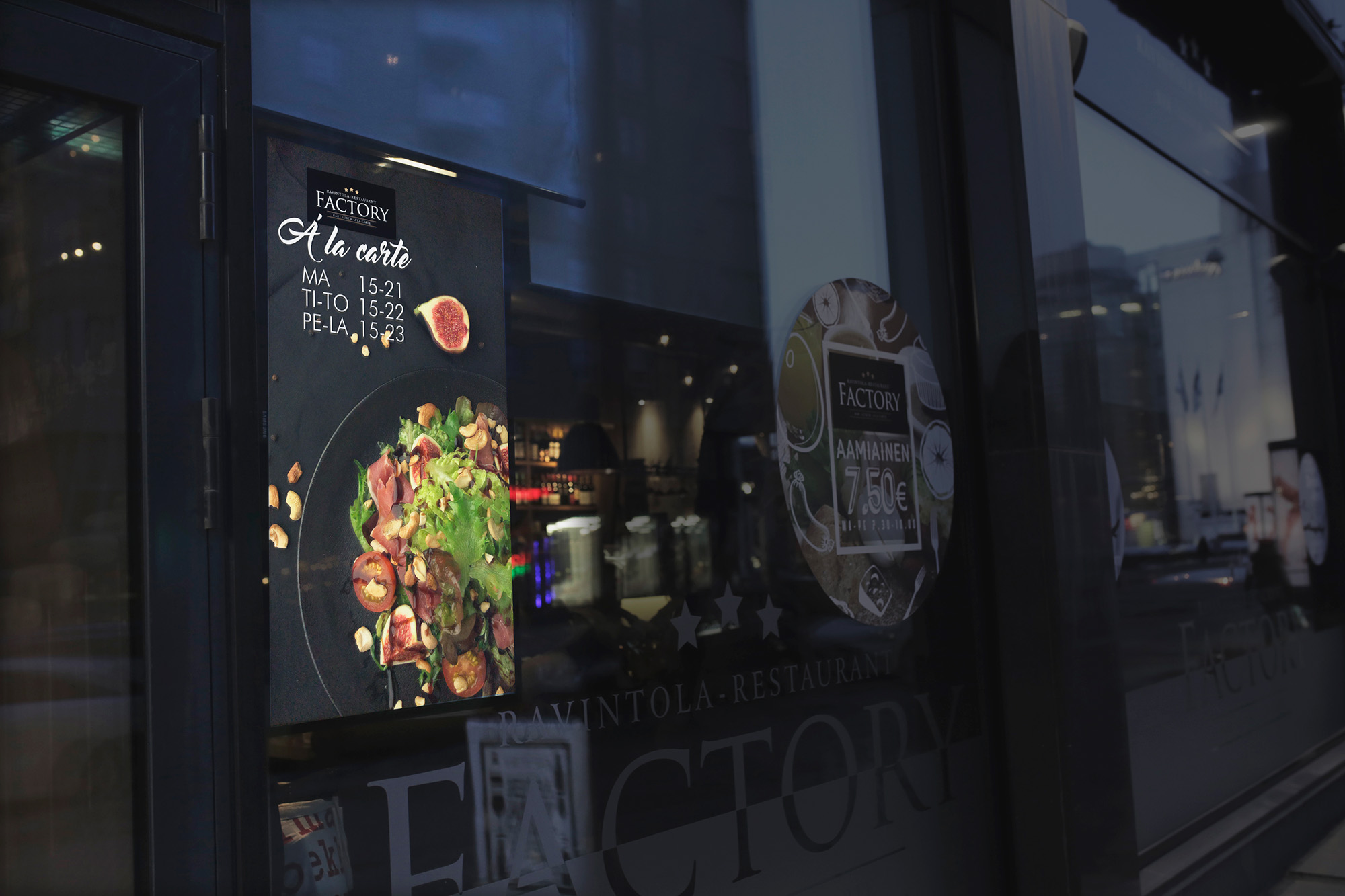
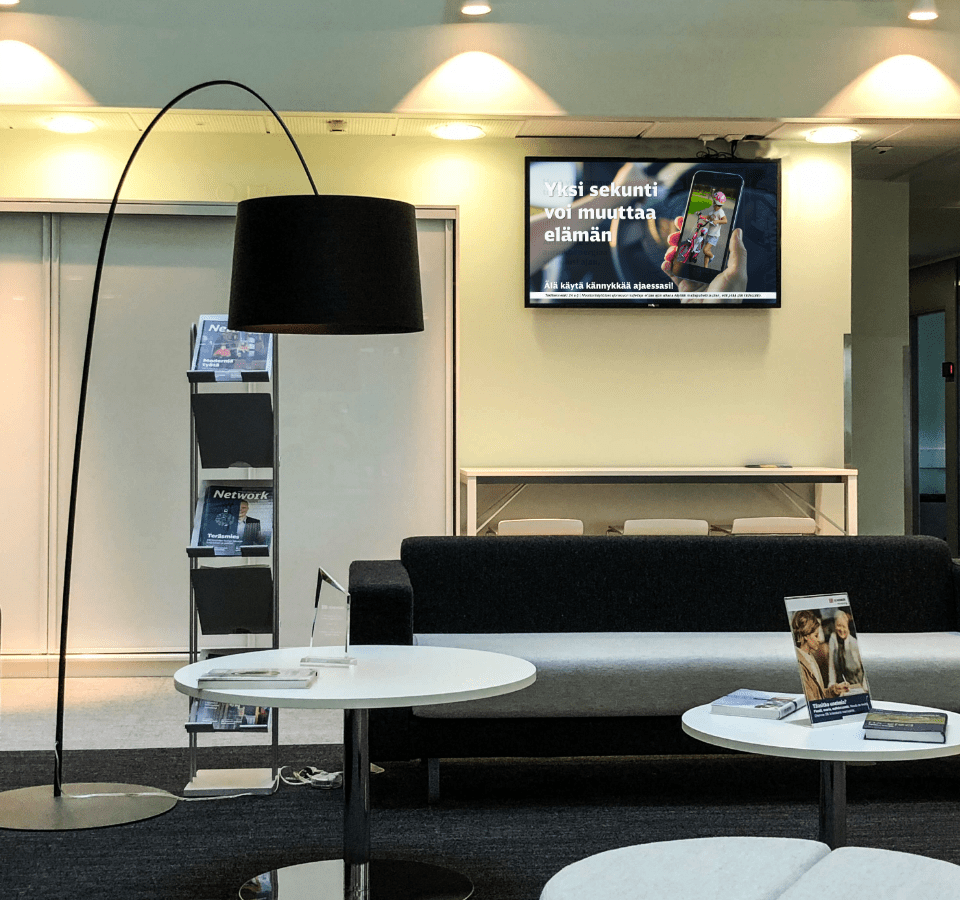
Many decisions about self-care products, care supplies and skincare are made only once the customer is in the pharmacy. Well-timed content can help them notice a product or service that is genuinely useful to them. When the queue management system is combined with digital signage, the same screen can show both the queue status and content that helps the customer. One part of the screen calls the tickets, the other communicates.
In a pharmacy, content should be tied to the season and the situation. During allergy season, the screen can show the pollen forecast and the pharmacy’s allergy advice. When school starts, it can highlight services relevant to families with children, and in flu season remind customers of the pharmacy’s vaccination service.
Content is managed in MediaCloud from one place. A campaign can be distributed to every location at once and scheduled in advance: allergy-season content for spring, vaccination reminders for autumn and opening-hour changes around public holidays. An individual pharmacy can add local notices without breaking the chain’s shared look.
The same MediaCloud also manages the pharmacy’s background music and other audio content. Screen communication and sound then form one coherent whole instead of two separate systems.
Read also: Marketing while customers wait »
7. What should you measure about queuing?
The queue management system’s reports show waiting and service times, peak hours, and abandoned and skipped tickets. Beyond the numbers, the system automatically collects feedback from mobile queuers after their visit. No separate survey and nothing for staff to remember.
Numbers and feedback are best looked at together. The metrics show where the visit slows down, while the feedback tells you how the customer experienced it. A wait that measures long doesn’t necessarily feel unreasonable if the customer knows where they stand the whole time and can use the time freely.
The purpose of reporting is to describe how the service works: waiting times, service times, peak hours and skipped tickets. What data is collected, how long it is kept and any identifiers must be defined for each implementation so that the pharmacy gets the information it needs for management without unnecessary processing of personal data. This is worth going through already at the procurement stage.
Take a closer look: What does queue management data tell you? »
Frequently asked questions about pharmacy queue management
Yes. In a small neighbourhood pharmacy, the benefit comes above all from predictability: the customer knows where they stand, and staff see the queue at a glance. The system doesn’t require several service points.
You can draw the line based on service length and reporting needs. If some services are clearly longer, such as vaccinations or sorting out dose dispensing, a separate queue stops one long appointment from slowing everyone else down.
If you want separate data on services, give them their own queues. Then you can follow, for example, how many people queued for vaccinations, how long counselling took on average and when the prescription service was busiest.
Yes. The service options are built on the pharmacy’s range of services. Options for different service needs can also be designed during the site survey, if the pharmacy’s service points and operating model support them.
A wheelchair button can be added to the kiosk to move the options to the lower part of the screen, making the menu easier to use while seated. The need is worth considering already when the system is being planned.
Yes. The setup can be extended with more service points and analytics, for example, as needs grow. The site survey should take into account both the current need and the natural direction for expansion.
Installation in the pharmacy can typically be done in a single day. From order to go-live takes a few weeks, depending on the scope.
Real-time queue information needs a working connection. Other content already downloaded to the screen can keep playing during an outage, but it doesn’t replace the live queue view. The connection is checked during the site survey, and if needed FirstView can supply the connection as part of the package.
The system provides data on waiting and service times, when peak hours occur, abandoned and skipped tickets, and feedback collected from mobile queuers. In a chain, the data can be viewed by location and compared with shared metrics.
Yes. When the queue management system is combined with digital signage, the same screen can show seasonal content and the pharmacy’s products and services alongside the queue status.
Start with what actually worries the customer
A queue management system shapes the experience a customer has at a moment when they’ve come to deal with something personal. Smoothness is easy to measure. Privacy isn’t – but you notice straight away when it’s missing.
If you’re wondering what kind of setup would suit your pharmacy, take a look at the FirstQueue queue management system or book a free site survey. We’ll go through your premises, services and customer flows.